
Cyber Security
Essential Cybersecurity Practices for Protecting Your Business
W1S-A-000097
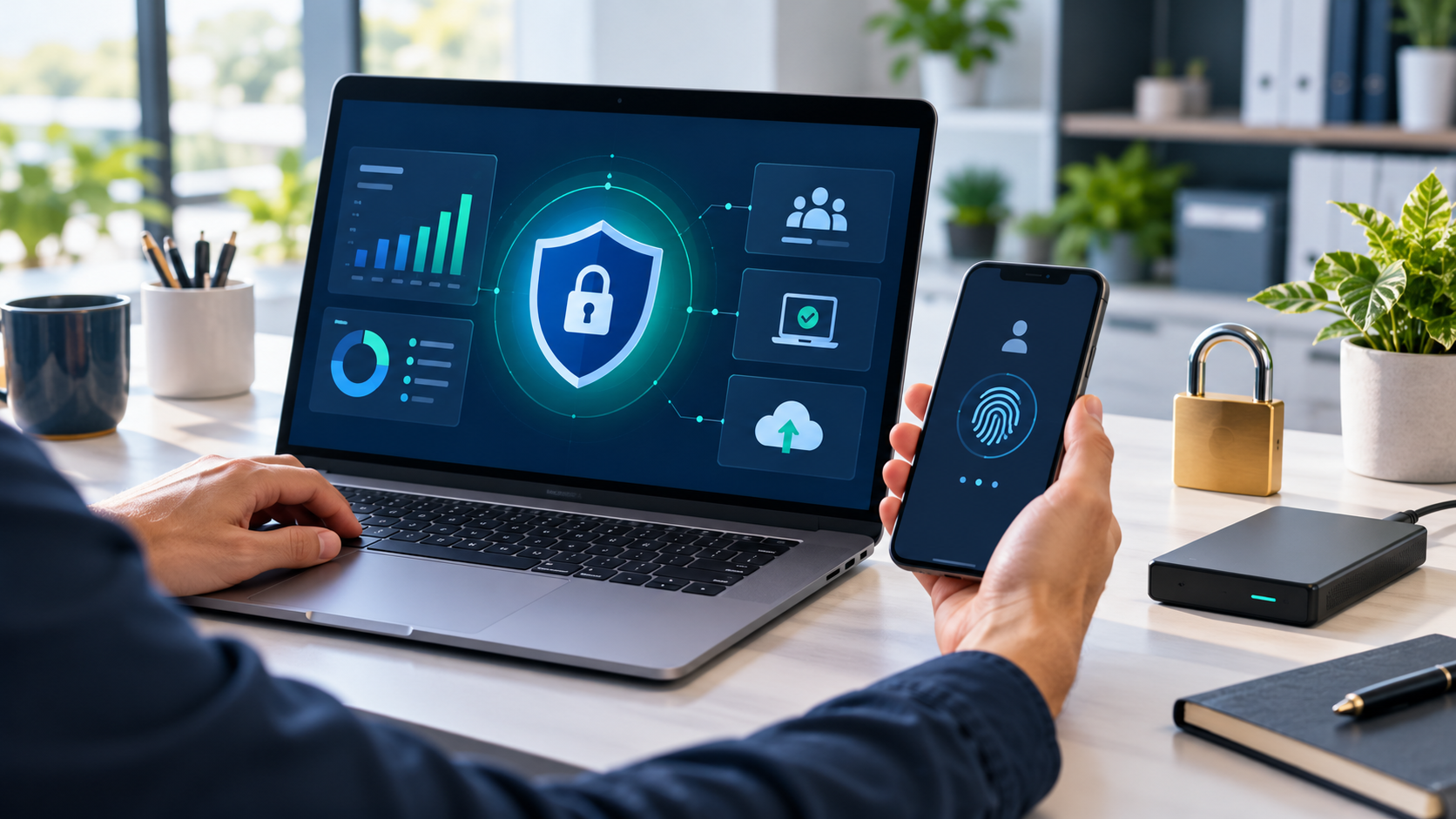
Use Strong Passwords and Multi-Factor Authentication
Use a unique password for each important account, especially email, banking, website administration, and cloud storage. A password manager can help you store and manage them securely. Turn on multi-factor authentication wherever it is available so a password alone is not enough to access an account.
Keep Devices and Software Updated
Install updates for operating systems, apps, browsers, and security tools. Updates often fix known weaknesses. Set devices to update automatically where practical, and remove software or accounts that your business no longer uses.
Back Up Important Business Data
Back up essential files, customer records, and business documents on a regular schedule. Keep a copy separate from the main system, and check that you can restore files from your backups. A backup is useful only if it is current and can be recovered when needed.
Limit Access to Business Accounts
Give employees access only to the systems and information required for their roles. Use separate accounts instead of sharing passwords, and remove access promptly when someone changes roles or leaves the business. Review administrator access regularly.
Help Staff Recognize Suspicious Messages
Unexpected emails and messages may try to trick someone into opening an attachment, sharing a password, or making a payment. Encourage staff to check the sender and verify unusual requests through a trusted channel. Make it easy for employees to report suspicious messages without blame.
Secure Your Website and Network
Use secure connections for your website, protect Wi-Fi with strong settings, and change default passwords on routers and other devices. Keep website software and plugins maintained, and restrict administrative access to trusted users. Businesses with more complex systems may need a qualified security professional to review their setup.
Prepare for a Security Incident
Decide who should respond if an account is compromised, a device is lost, or files become unavailable. Keep contact details for key technology providers and document how to secure accounts, isolate affected devices, and restore backups. A simple plan can help your team respond more calmly.
How OkayEver Can Help
OkayEver lists cybersecurity among its business services, alongside website development, SEO, graphic design, social media marketing, and Google Business Profile support. If you need help reviewing your online systems, confirm the specific cybersecurity services OkayEver currently provides and whether they fit your business requirements.
Make Cybersecurity Part of Everyday Work
No single measure can prevent every threat. Strong authentication, timely updates, reliable backups, limited access, and staff awareness can help reduce common risks. Review your practices regularly as your business, technology, and team change.