
Business
How to Protect Business Websites from Cyber Threats
W1S-A-000050
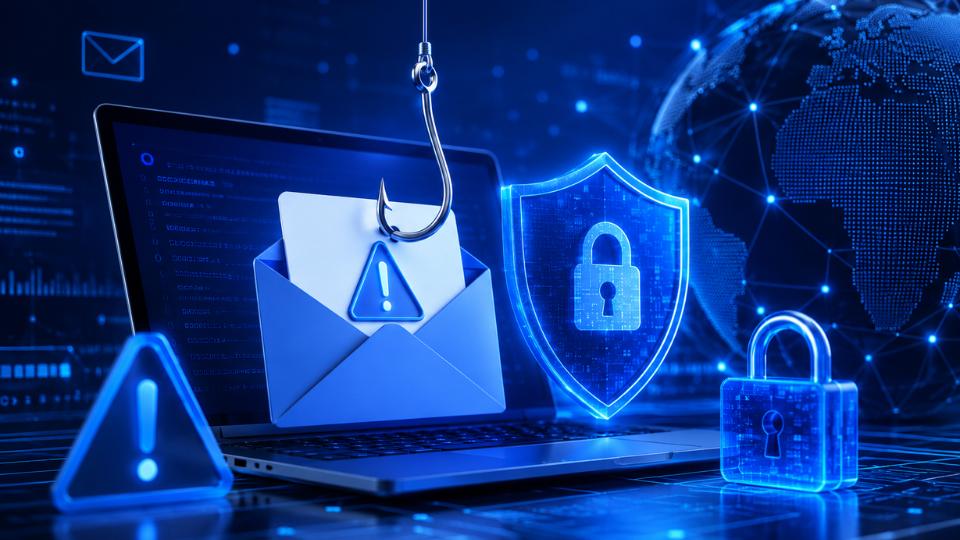
In today's digital world, business websites play an essential role in building customer trust, generating sales, and managing daily operations. However, cyber threats such as phishing, malware, and unauthorized access can put sensitive information and business operations at risk. Learning how to protect business websites is essential for companies of all sizes, from small startups to large organizations.
By following effective cybersecurity practices, businesses can reduce security risks, protect customer data, and maintain a safe online presence.
1. Understand Common Website Security Threats
Before securing a website, it is important to understand the threats that can affect it.
Phishing attacks trick employees or website administrators into revealing passwords, financial details, or other confidential information through fraudulent emails and websites.
Malware attacks involve malicious software designed to steal data, damage files, redirect visitors, or gain control of website systems.
Unauthorized access occurs when attackers gain access to website accounts, databases, hosting panels, or administrative dashboards without permission.
Understanding these threats helps businesses take appropriate preventive measures.
2. Use Strong Passwords and Multi-Factor Authentication
Weak passwords are one of the common ways attackers gain access to business websites. Use long, unique passwords for administrator accounts, hosting platforms, and content management systems.
A password manager can help employees create and store secure passwords. Businesses should also enable multi-factor authentication (MFA), which requires an additional verification step beyond a password.
Limit administrative access to trusted employees and remove accounts that are no longer needed.
3. Keep Website Software Updated
Outdated software can contain security vulnerabilities that attackers exploit. Regularly update your content management system, themes, plugins, server software, and other website components.
Remove unused plugins and themes because they can create unnecessary security risks. Whenever possible, enable automatic security updates and test major changes in a staging environment before applying them to your live website.
Keeping software updated is a fundamental step toward protecting business websites from malware and unauthorized access.
4. Protect Your Business Against Phishing
Phishing attacks often target employees who have access to business systems. Provide regular cybersecurity training to help staff recognize suspicious emails, unexpected attachments, fake login pages, and unusual payment requests.
Encourage employees to verify sensitive requests through a separate communication channel. Businesses should also consider email security measures such as spam filtering, multi-factor authentication, and properly configured SPF, DKIM, and DMARC records.
These measures can reduce the risk of account compromise and email impersonation.
5. Install Website Security Tools and Use HTTPS
A reputable web application firewall (WAF) can help filter malicious traffic and block certain common attacks before they reach your website.
Use HTTPS with a valid TLS certificate to encrypt information exchanged between visitors and your website. Install reputable malware scanning tools and monitor suspicious changes to website files.
Security tools are most effective when combined with regular maintenance, secure configurations, and active monitoring.
6. Back Up Your Website Regularly
Website backups help businesses recover from malware infections, accidental data loss, and other security incidents.
Schedule automatic backups of website files, databases, and essential configurations. Store backup copies separately from the production website, preferably in a protected location with restricted access.
Test your backups periodically to ensure that they can be restored successfully when needed.
7. Monitor Website Activity and Control Access
Review administrator login activity, server logs, and security alerts to identify unusual behavior. Limit user permissions according to each employee's responsibilities and avoid sharing administrator accounts.
Businesses should also establish an incident response plan explaining how to isolate affected systems, reset compromised credentials, restore clean backups, and notify relevant stakeholders when necessary.
Conclusion
Protecting a business website against phishing, malware, and unauthorized access requires a proactive approach. Strong passwords, multi-factor authentication, regular software updates, employee training, website security tools, and reliable backups all contribute to a stronger security posture.
By implementing these best practices and reviewing security measures regularly, businesses can protect valuable information, maintain customer confidence, and reduce the risk of costly cyber incidents. Website security is not a one-time task; it is an ongoing investment in business continuity and online trust.