
News
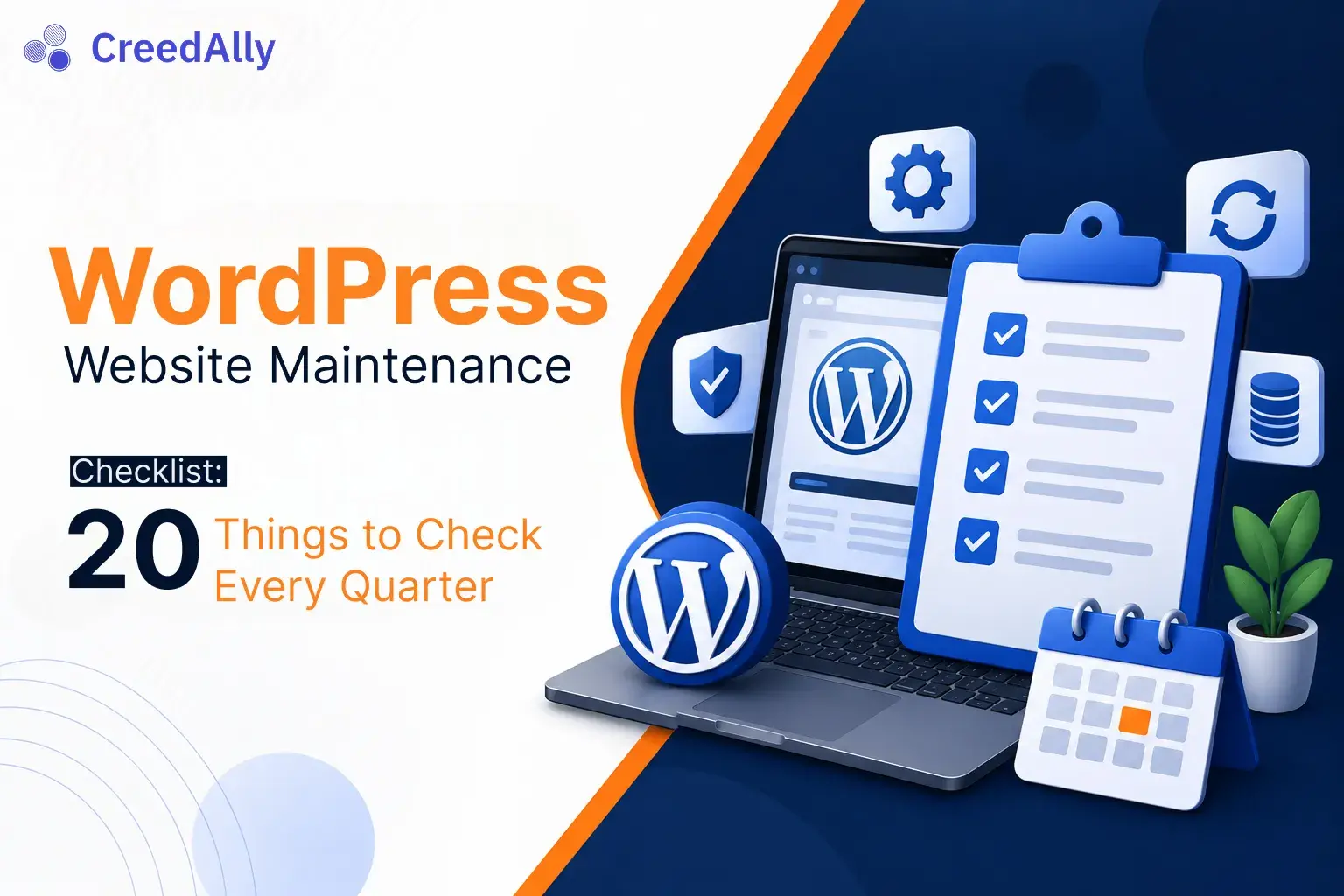
WordPress Website Maintenance Checklist for 2026
W1S-A-000218
OkayEver.com## Introduction
A WordPress website is not something you build once and forget. Regular maintenance is necessary to keep it secure, fast, functional, and user-friendly.
Businesses depend on their websites to attract customers, display services, generate leads, and sell products. However, outdated plugins, missing backups, security weaknesses, and technical errors can negatively affect website performance.
WordPress website maintenance helps prevent these problems and supports long-term business growth.
Why Is WordPress Website Maintenance Important?
Regular maintenance helps websites operate smoothly and reduces the risk of unexpected technical issues.
It also helps businesses maintain a positive user experience. A website that loads correctly, works on mobile devices, and protects visitor information creates greater confidence among potential customers.
Complete WordPress Website Maintenance Checklist
1. Update WordPress Core
Always monitor available WordPress updates. Updates can include security improvements, bug fixes, and new features.
Before major updates, create a backup and check compatibility.
2. Update Themes and Plugins
Outdated plugins and themes can create security and compatibility problems.
Remove unused plugins and themes instead of keeping unnecessary software installed.
3. Create Regular Backups
Backups protect important website information, including:
- Website files.
- Images and media.
- Databases.
- Pages and blog posts.
- Website settings.
Keep backups in a separate, secure location and periodically test restoration.
4. Improve Website Loading Speed
Website speed affects user experience. Compress images, use suitable caching, reduce unnecessary scripts, and review hosting performance.
5. Check Website Security
Use strong passwords, enable two-factor authentication where available, limit unnecessary administrator accounts, and monitor suspicious activity.
6. Test Website Forms
Contact forms, registration forms, and inquiry forms should be tested regularly. Broken forms can result in missed business opportunities.
7. Check Broken Links
Broken internal and external links can frustrate visitors. Review important website pages and repair incorrect URLs.
8. Monitor Mobile Responsiveness
Check your website on different screen sizes. Navigation, buttons, images, and text should remain easy to use on smartphones and tablets.
9. Review Website Analytics
Monitor traffic, popular pages, visitor behavior, and conversions. These insights can help identify areas that need improvement.
10. Check SSL and Domain Settings
Confirm that your SSL certificate is valid and domain settings are correct. Secure HTTPS connections help protect information exchanged between websites and visitors.
How Often Should You Maintain a WordPress Website?
A practical maintenance schedule includes:
- Weekly: Review backups, updates, security alerts, and website availability.
- Monthly: Check broken links, forms, speed, and performance.
- Quarterly: Review plugins, themes, user accounts, and overall website structure.
The exact frequency depends on website size, activity, and business requirements.
Conclusion
WordPress website maintenance is essential for keeping a website secure, reliable, and efficient. Regular updates, backups, speed improvements, and security reviews can help businesses avoid preventable website problems.
**AAO Group of Companies, Islamabad** is professionally performing digital marketing and online business promotion projects and providing related services, including WordPress website development, website maintenance, technical support, SEO, and digital marketing solutions. These services help businesses maintain a strong and reliable online presence.
Found an error? Send a correction with this article URL.